

Cyren Threat Intelligence for Microsoft Defender

Cyren’s global threat feeds flow directly into Microsoft Defender TI — powering automated detection and blocking across your entire Microsoft 365 security ecosystem.

Microsoft Sentinel Content Hub solution · Real-Time Threat Feeds · 10-Minute Deployment

Why Integrating Cyren Threat Intelligence
with Microsoft Defender Matters

Microsoft Defender Is Only as Good as Its Intelligence

Microsoft Defender provides strong protection, but built-in intelligence feeds can’t detect every emerging threat. New malicious IPs, domains, and phishing URLs appear constantly, and default threat feeds may lag behind rapidly evolving attacks. Security teams often need to manually upload indicators of compromise (IOCs) into Defender Threat Intelligence, which is time-consuming and difficult to scale. As a result, organizations can face gaps between when threats are discovered and when protections are enforced — creating opportunities for attacks to slip through.

Cyren → Defender TI. Automated STIX Intelligence Pipeline.

Cyren Threat Intelligence for Microsoft Defender bridges the gap between global threat detection and Microsoft-native enforcement. Cyren identifies malicious IPs, URLs, and domains across billions of daily transactions, converts them to STIX 2.1 indicators, and automatically uploads them to Defender TI via the Graph API.

Cyren Threat Intelligence for Microsoft Defender

How It Works

One feed. Entire Microsoft security stack protected.

cyren-threat-intelligence-defender
  • Cyren detects malicious infrastructure across its global sensor network
  • Azure Function pulls Cyren feeds, converts to STIX 2.1 indicator format
  • Graph API uploads indicators to Microsoft Defender Threat Intelligence
  • Defender enforces across Defender for Endpoint, Office 365, Cloud Apps, and Identity

What You Get

Key Features

Real-Time Global Threat Intelligence

Cyren's GlobalView cloud processes billions of email and web transactions daily — identifying malicious IPs, phishing URLs, and malware domains with industry-leading speed.

Automated STIX 2.1 Upload

Cyren indicators are automatically converted to STIX format and uploaded to Defender TI via Microsoft's Graph Security API. No manual work.

Microsoft-Native Integration

Works with Defender for Endpoint, Defender for Office 365, Defender for Cloud Apps, and Defender for Identity — one feed protects everything.

Managed Identity Authentication

Uses Azure-native managed identity for secure, keyless authentication to the Graph API. No credentials to manage.

Content Hub Certified

Install directly from Microsoft Sentinel's Content Hub. Deploys the Function App, configuration, and analytics rules automatically.

Continuous Protection

Feeds update automatically. STIX indicators upload continuously. Defender blocks threats across your entire M365 environment.

The Defender Threat Intelligence Advantage

One Feed. Four Enforcement Points.

Unlike SentinelOne or CrowdStrike integrations that protect endpoints only, Cyren for Defender protects your entire Microsoft security ecosystem:

Defender Product What Gets Protected
Defender for Endpoint
Workstations, servers, mobile devices
Defender for Office 365
Email, attachments, links in messages
Defender for Cloud Apps
SaaS applications, shadow IT
Defender for Identity
Active Directory, authentication flows

Strengthen Microsoft Defender with real-time IP and URL Threat intelligence

Who It’s For

Built for Security Teams Running Microsoft Defender

Cyren Threat Intelligence for Microsoft Defender is designed for organizations that rely on the Microsoft security ecosystem and want to extend Defender’s built-in protection with automated, real-time threat intelligence.

Native to the Microsoft Security Ecosystem

Designed for organizations already invested in Microsoft Defender, Microsoft Sentinel, and Microsoft 365 security tools, ensuring seamless integration without new infrastructure.

Extend Defender Threat Intelligence

Enhance Defender’s built-in protection with third-party IP and URL threat intelligence feeds, improving visibility into emerging threats and malicious infrastructure.

Automated Threat Intelligence Operations

Automatically ingest and manage threat indicators without manual IOC uploads, enabling hands-off threat intelligence management and reducing analyst workload.

Built for Compliance & Security Monitoring

Maintain automated evidence of proactive threat monitoring and intelligence-driven protection to support compliance and audit requirements across regulated environments.

Result: Security teams strengthen Microsoft Defender protection, automate threat intelligence operations, and reduce manual workload across their Microsoft security stack.

Industries

Top Use Cases

Healthcare

Block ransomware delivery across email, endpoints, and cloud apps

Financial Services

Enrich Defender with real-time C2 and fraud infrastructure IOCs

Government

Supplement Defender with commercial threat intelligence feeds

Education

Protect students and staff across M365 with minimal IT resources

Comparison

Why Cyren for Defender vs. Alternatives

Factor Manual TI Upload Generic TAXII Feeds Enterprise TI Platforms Cyren for SentinelOne
Setup
Hours
Hours
Days-weeks
10 minutes ✅
Format
Manual STIX conversion
Varies
Platform-specific
Auto STIX 2.1 ✅
Maintenance
Constant
Moderate
High
Zero ✅
Defender Coverage
Endpoint only
Varies
Varies
All 4 products ✅
False Positives
Varies
High
Low
< 0.1% ✅

Seamless Installation, Onboarding & Trial Experience

Stop relying on default detections alone. Give Microsoft Defender the real-time intelligence it needs to protect your entire M365 ecosystem.

How To Deploy

Three Steps. Ten Minutes. Full Stack Protection.

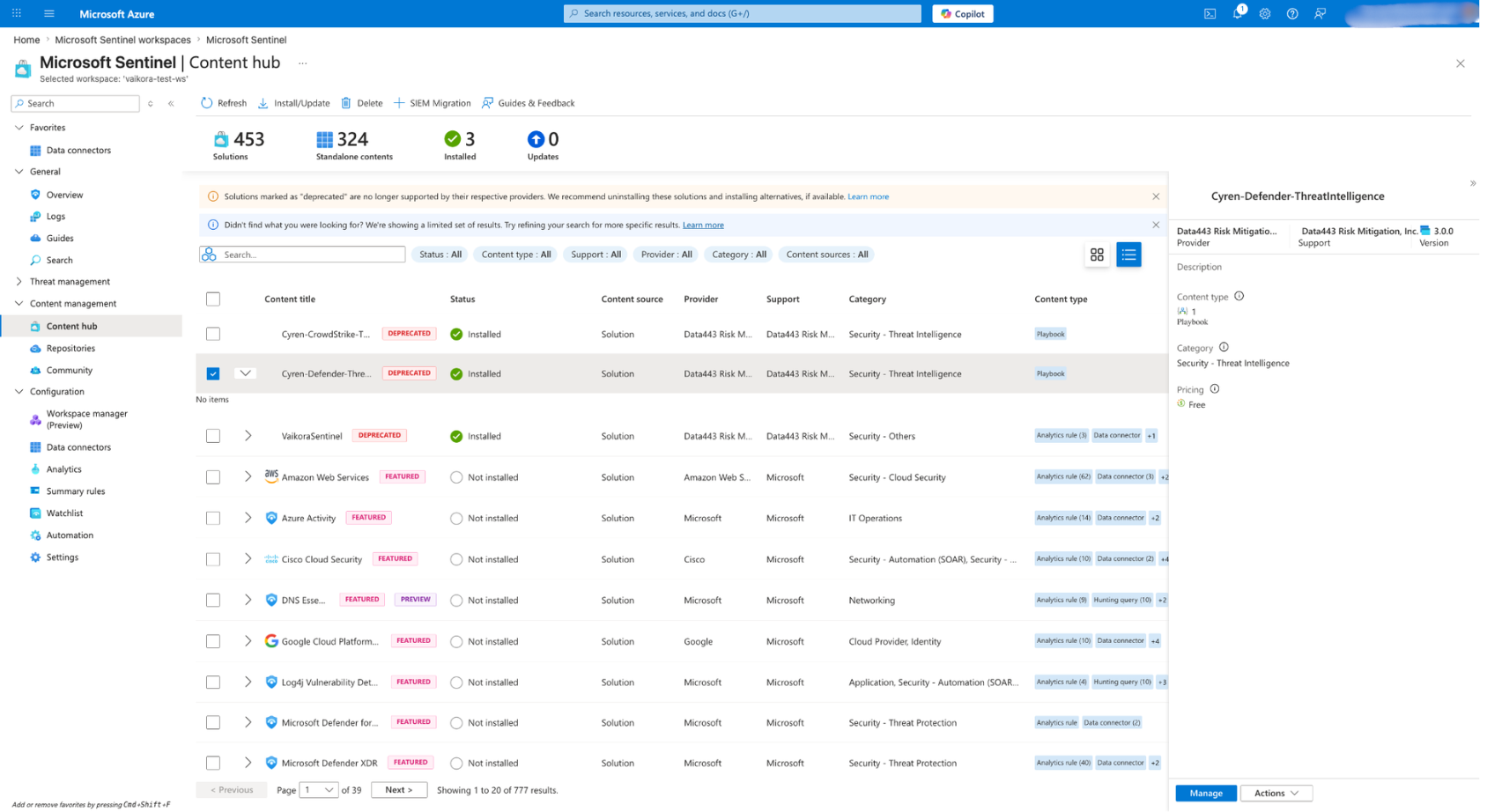
Step 1: Install from Content Hub (5 min) Open Microsoft Sentinel → Content Hub → Search “Cyren Defender Threat Intelligence” → Click Install → The Function App, managed identity, and configuration deploy automatically.

Step 2: Configure Cyren API Tokens (3 min) Enter your Cyren IP Reputation and Malware URL feed JWT tokens → Set polling frequency → Save.

Step 3: Grant Graph API Permissions (2 min) Assign ThreatIndicators.ReadWrite.OwnedBy to the Function App’s managed identity → Indicators start uploading automatically.

No custom code. No complex pipelines. No ongoing maintenance.

    Cyren Threat Intelligence for Microsoft Defender FAQs

    How is this different from the Cyren Threat Intelligence for Sentinel connector?

    The Sentinel connector ingests Cyren feeds into Sentinel log tables for analytics rules and hunting. The Defender connector uploads STIX indicators to Defender TI, which powers detection across Defender for Endpoint, Office 365, Cloud Apps, and Identity. They complement each other.

    Do I need Microsoft Defender for Endpoint (MDE)?

    MDE gives you the richest enforcement (endpoint blocking). But Cyren indicators in Defender TI also power Defender for Office 365, Cloud Apps, and Identity — so you get value even without MDE.

    What Microsoft licenses are required?

    Microsoft 365 E5 or E5 Security add-on for full Defender TI capabilities. Microsoft Sentinel for the Content Hub deployment.

    What Azure resources are deployed?

    A Python Function App (Linux, Consumption plan), a Storage Account, and an Application Insights instance.

    Can I use this alongside other threat intelligence providers in Defender TI?

    Absolutely. Defender TI aggregates indicators from multiple sources. Cyren adds a layer — it doesn’t replace existing feeds.

    What STIX indicator types are uploaded?

    IPv4 addresses (with network-traffic patterns) and URLs (with url patterns), both with configurable confidence scores, severity levels, and expiration times.